What it’s for
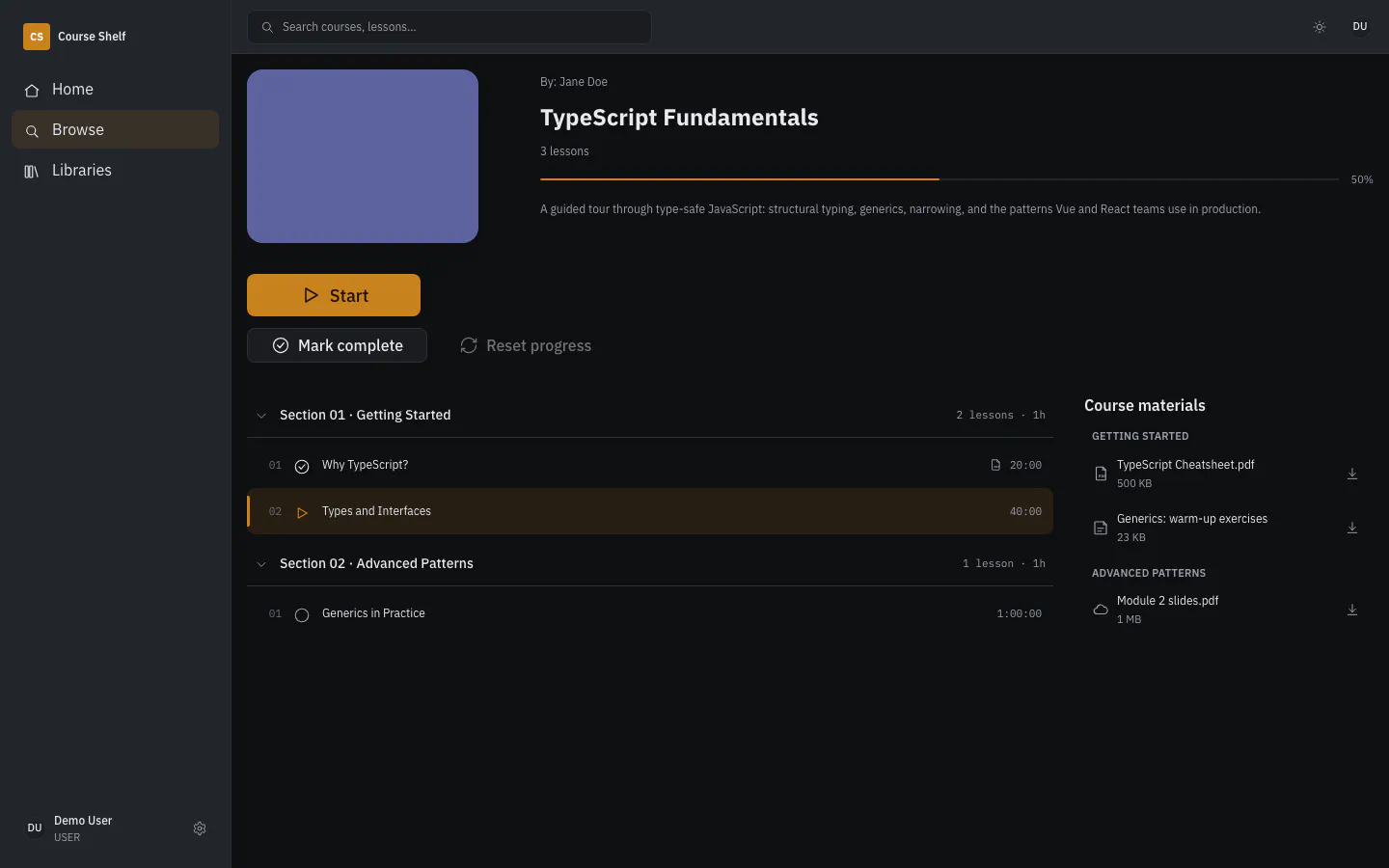
Courses from Udemy and Coursera, conference and workshop recordings often sit on disk as plain folders. Course Shelf scans such a folder and builds a catalogue of courses, sections and lessons. The catalogue opens in the browser and in the mobile app. The files stay where they are: Course Shelf neither copies nor transcodes them.
Library
- Catalogue from the folder tree. Folders and file names define courses, sections and lesson order. The scan attaches subtitles and materials that sit next to each video.
course.jsonfor fine control. A file in the course folder sets titles, lesson order and metadata on top of what the scan inferred.- Metadata from the web. Scrapers fetch covers, descriptions, instructors and tags from Udemy, Coursera and YouTube. Other sites work through declarative scraper definitions and a generic schema.org and OpenGraph parser.
- Single-course rescan. One course updates without a pass over the whole library.
Watching
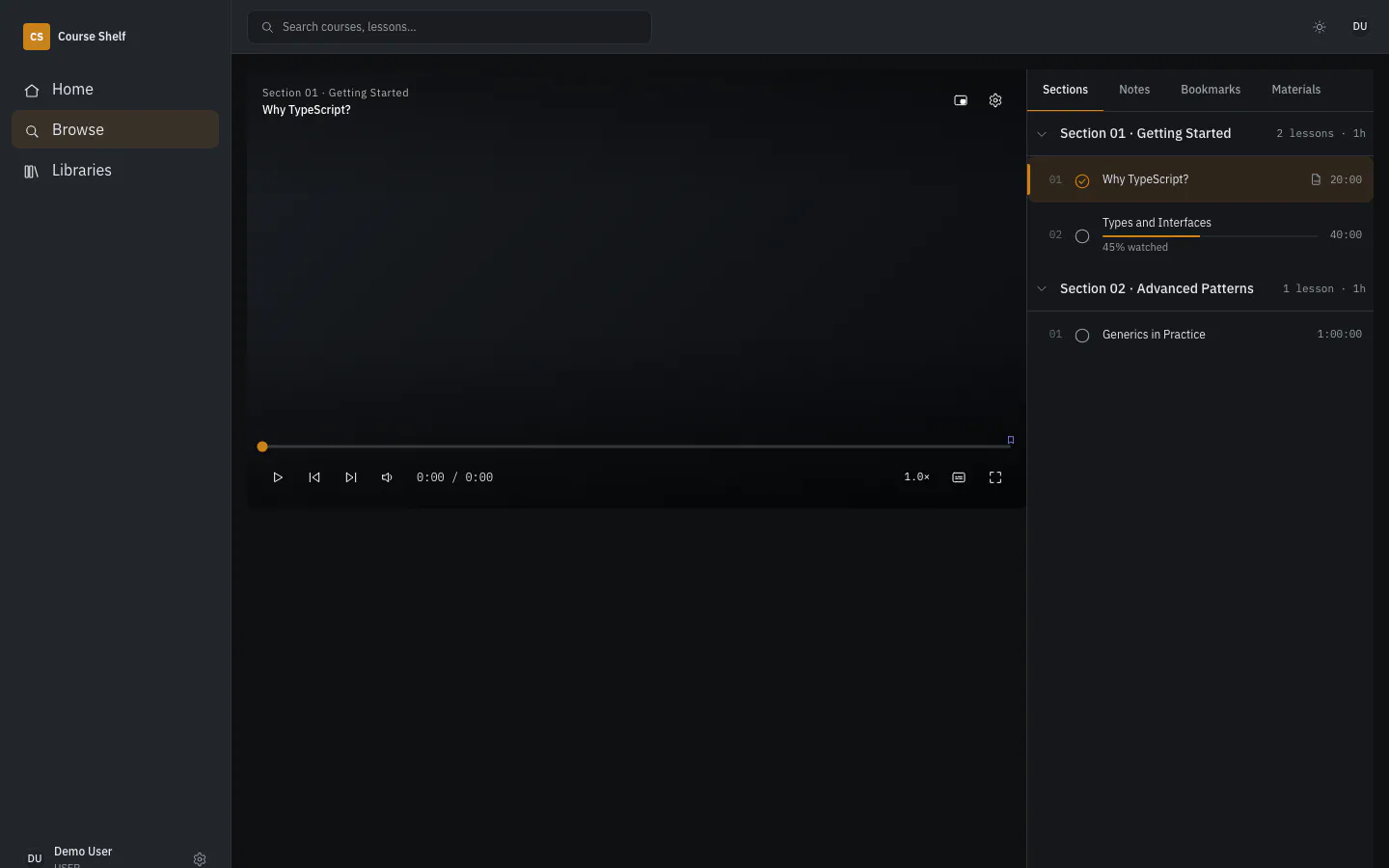
- Streaming without transcoding. Video goes over HTTP with byte ranges, so seeking responds at once.
- Progress. The player remembers the position, resumes from it and rolls into the next lesson. Past 90% a lesson counts as complete.
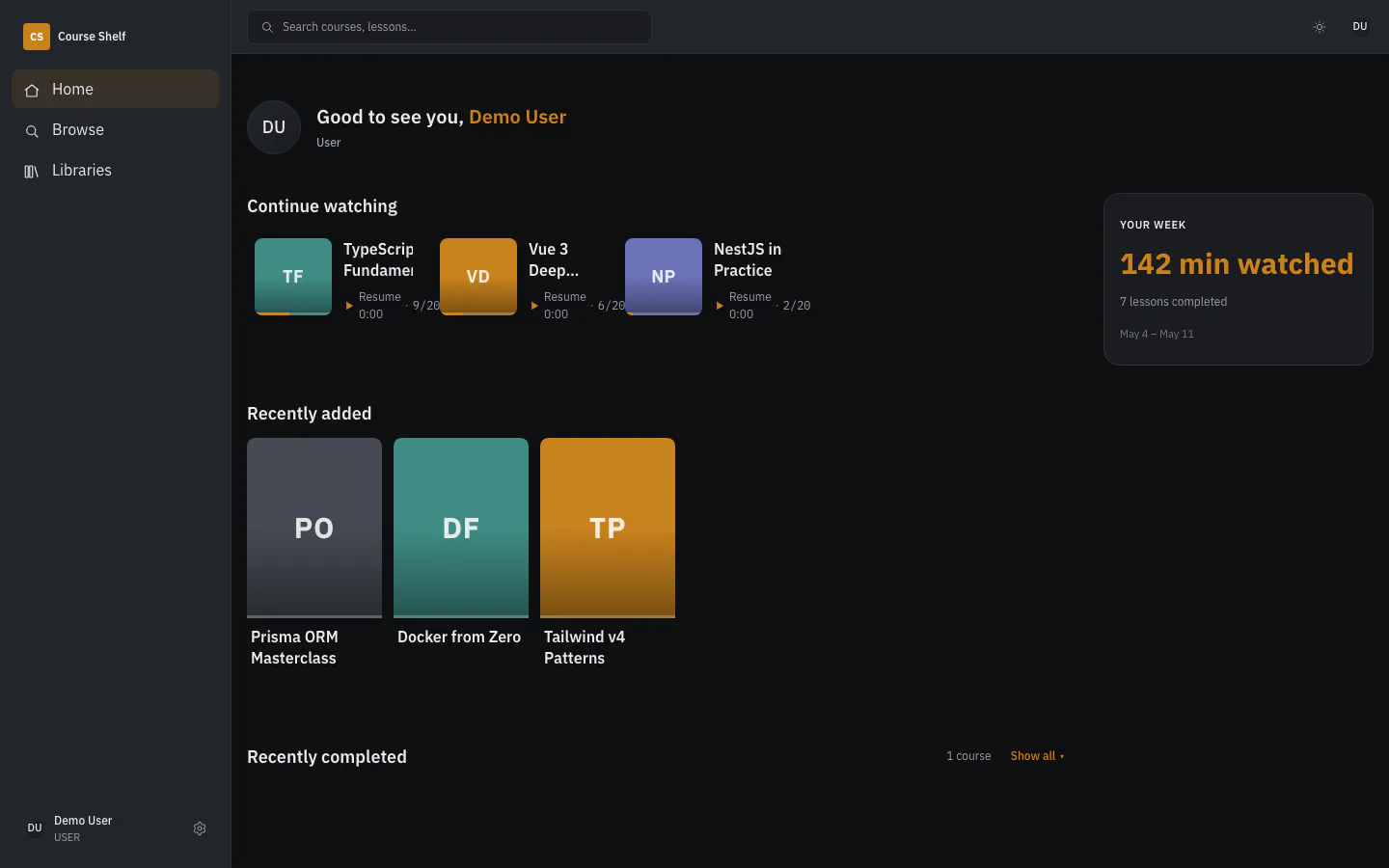
- Home shows lessons in progress, recent additions, finished courses and the week’s watch time.
- Browse with filters by status, library, length and instructor. Filters live in the URL, so a link reopens the same shelf.
- Notes and bookmarks. Each lesson takes a Markdown note and bookmarks at any second. Notes are visible to their author only.
Transcripts and search
- Local transcription. whisper.cpp transcribes lessons without subtitles on the same server, with no cloud API.
- Search finds courses and individual lessons in one query and shows the matching snippet. On desktop it opens as a command palette.
- Transcript next to the player. A
?t=link opens a lesson at the right second. - Quizzes. An LLM writes questions for a lesson: local llama.cpp or a model through OpenRouter.
Mobile app
- Flutter client for iOS and Android with the same catalogue.
- Downloads. Lessons download with resume after a dropped connection and stay encrypted on the device.
- Offline. Position, notes and bookmarks save on the device and sync when the connection returns. If the server holds newer progress, the server’s version stands.
Multiple users
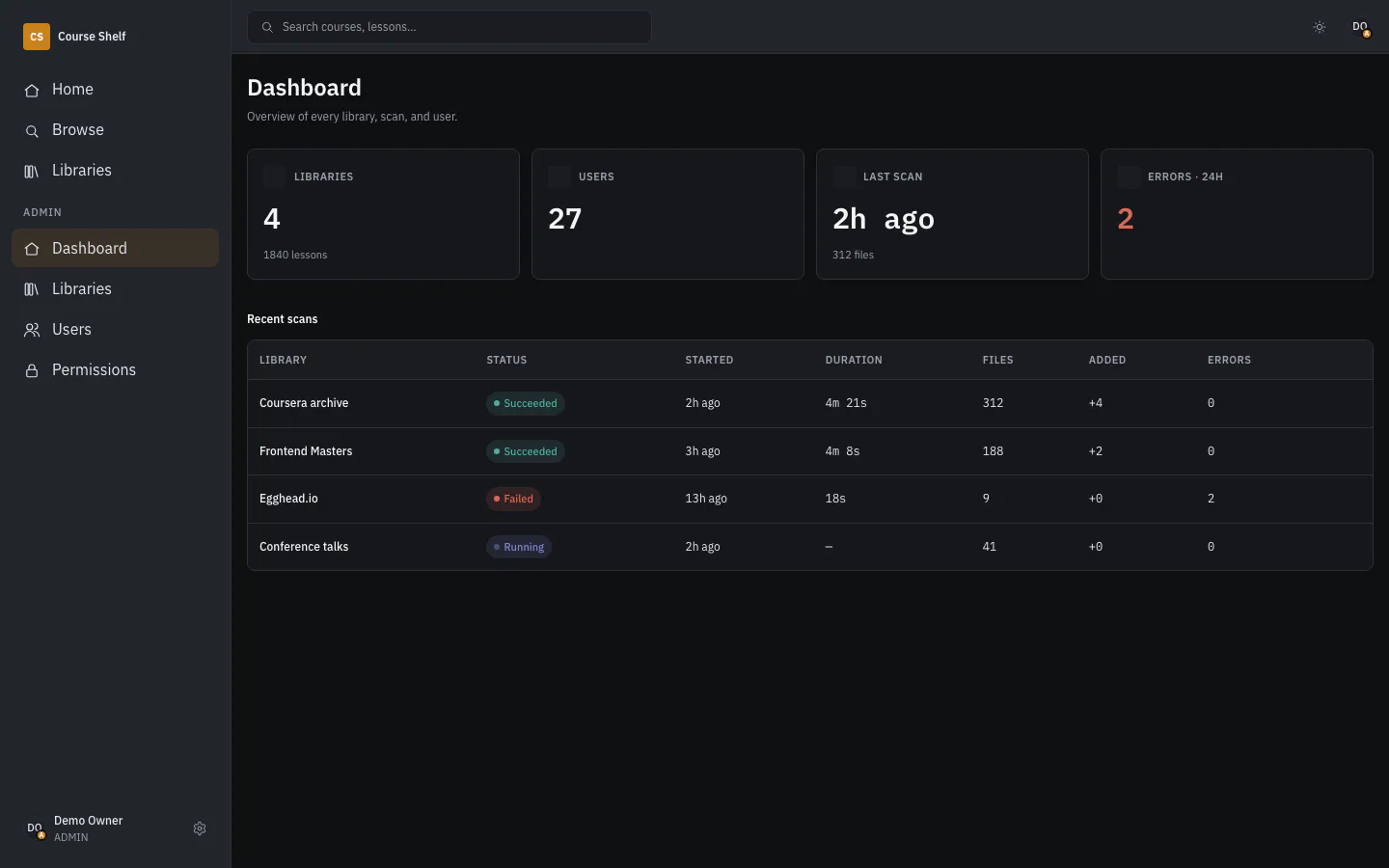
- Explicit access. USER and ADMIN roles, with access granted per library or per course.
- Administration. Instance overview, user management, and signing in as a user to see their catalogue.
- Backups. One button runs
pg_dumpand returns a link to the archive. Media files stay out of it: Course Shelf doesn’t own them.
Under the hood
A monorepo of three apps: a NestJS backend, a Nuxt web client and a Flutter client. The API is described once, in OpenAPI 3.1 and AsyncAPI 3.0, and the TypeScript and Dart clients are generated from it. The backend rejects requests the spec doesn’t describe, and CI fails when code drifts from the contract. Scan and job events reach the clients through Centrifugo. The interface ships in English and Russian.
The scaffold shared by Course Shelf, Coriolis and burkmak is covered in a post (in Russian): «Контракт, от которого код не может уйти».
The story of the first import of a real library (in Russian): «26% уроков пропали молча».
Installation
Releases ship as Docker images on GHCR, and the stack runs on Docker Compose.
The release bundle includes an installer agent for Claude Code: unpack it, run
claude in the directory, and the agent brings the stack up through a
conversation.